Feed Reader
The Feed Reader is a built in RSS feed reader that's enabled on the staff dashboard by default.
Information
The Feed Reader widget is installed by default for the primary staff user, but may need to be installed for additional staff or for addon companies.
Installing Feed Reader
- Visit [Settings] > [Company] > [Plugins] > Available.
- Click the "Install" button within the Feed Reader plugin listing.
- To enable the widget, go to [Home] > [Dashboard], click the "Manage Widgets" link, and drag the widget from the right side, to the left.
The Widget
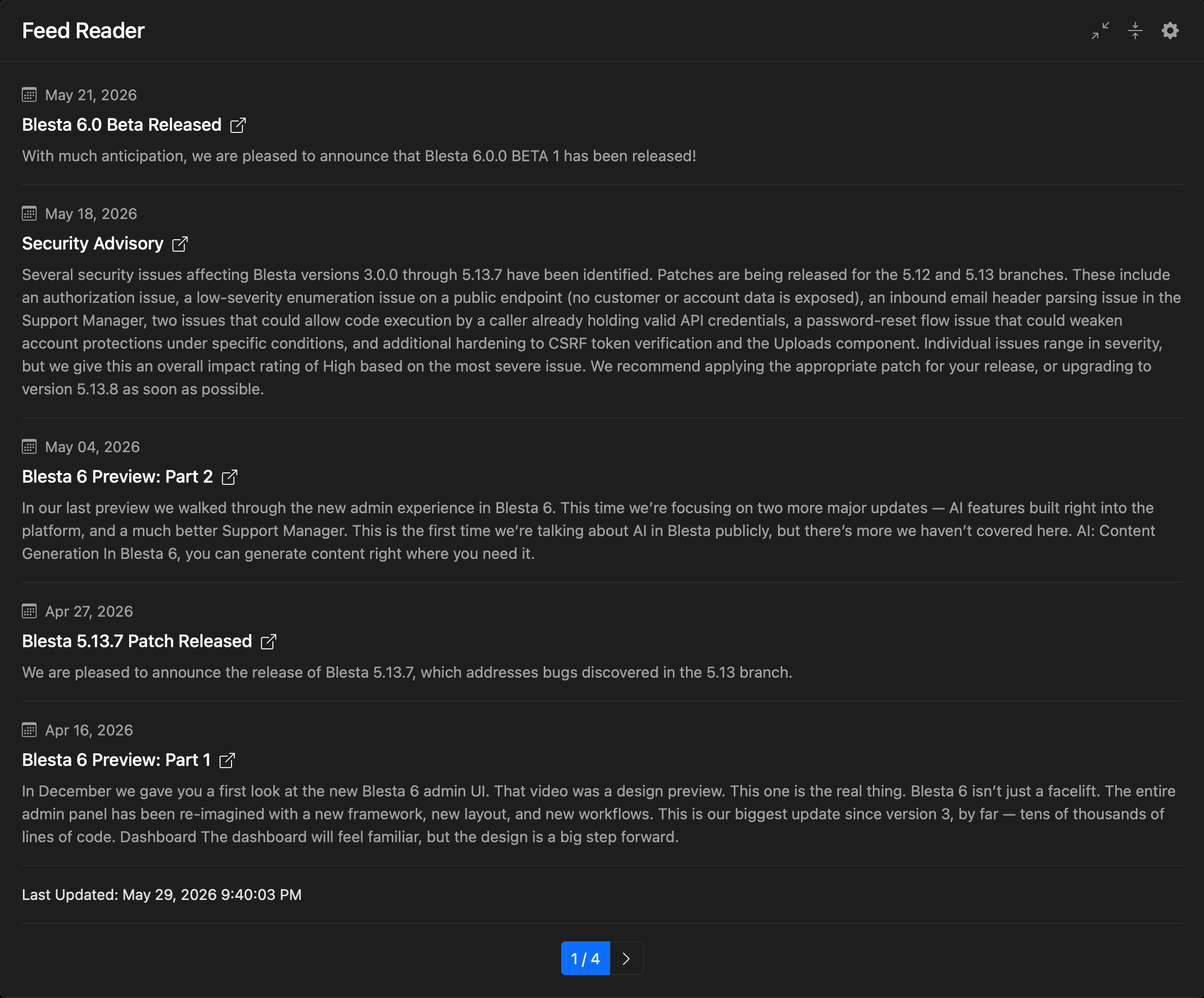
Once installed, the widget will look something like this:
Managing Feeds
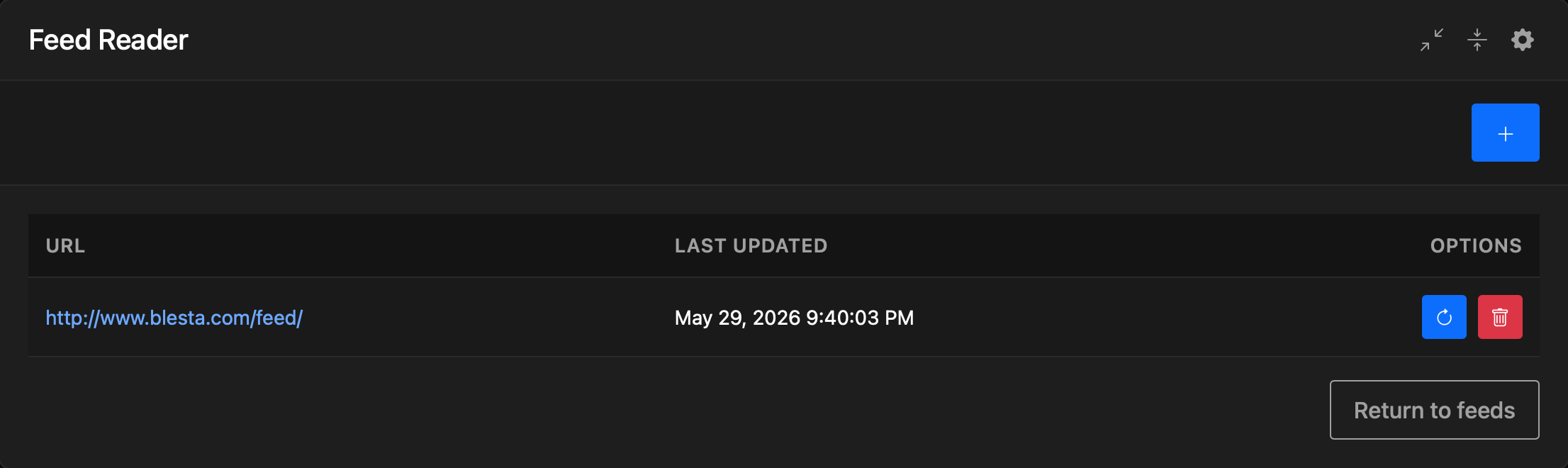
To manage the feeds, click the cog/gear icon in the upper right of the window decorations. The overview will be displayed. From this screen, existing feeds may be "Refreshed", or "Removed".
Adding a Feed
To add a feed, from the overview, click the "[+]" button in the upper right.
- Enter the URL for the new feed, then click "Add Feed" to add the feed to the Feed Reader, and it will appear in the feed list.